 Design guide
Design guide
Design guide
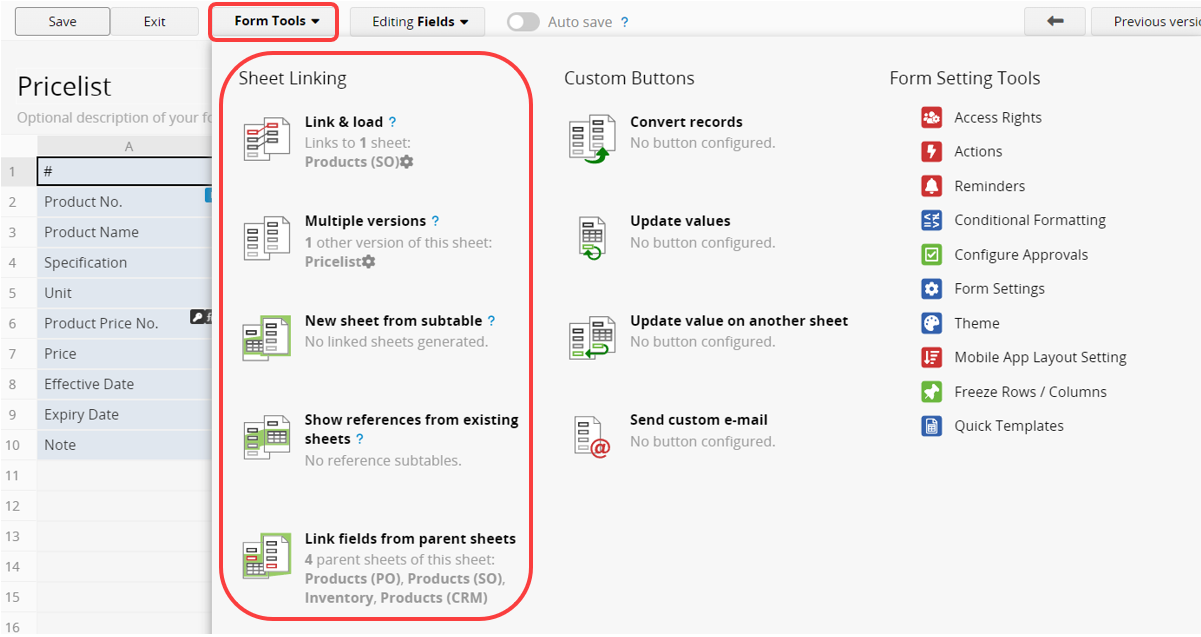
Ragic supports several ways to establish relationships between sheets. The following articles will show you how to use the Sheet Linking Tools within the Form Tools menu in the Design Mode.
These methods are:
Show References from Existing Sheets
If your sheet was generated from a Subtable, or uses Show References from Existing Sheets to insert a referenced Subtable, you can use Link Fields from Parent Sheets to add other fields from the source sheet.
 Thank you for your valuable feedback!
