 FAQ
FAQ
FAQ
FAQ
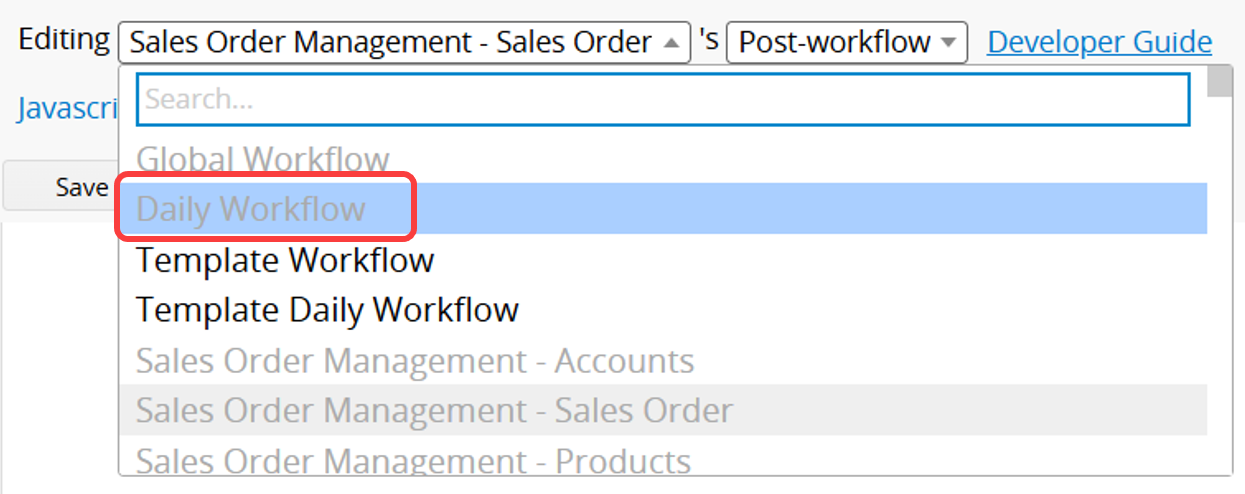
 Step 2: Switch to Daily Workflow
 Step 3: Enter the Sheet Path for Recalculation
For example, if the sheet path you want to recalculate is:
https://www.ragic.com/accountname/tabname/1?PAGEID=wSM (ignore the ?PAGEID=wSM part), enter the following in the script:
Step 3: Enter the Sheet Path for Recalculation
For example, if the sheet path you want to recalculate is:
https://www.ragic.com/accountname/tabname/1?PAGEID=wSM (ignore the ?PAGEID=wSM part), enter the following in the script:
db.recalculateAll("/tabname/1");
Then click Save to complete the setup.
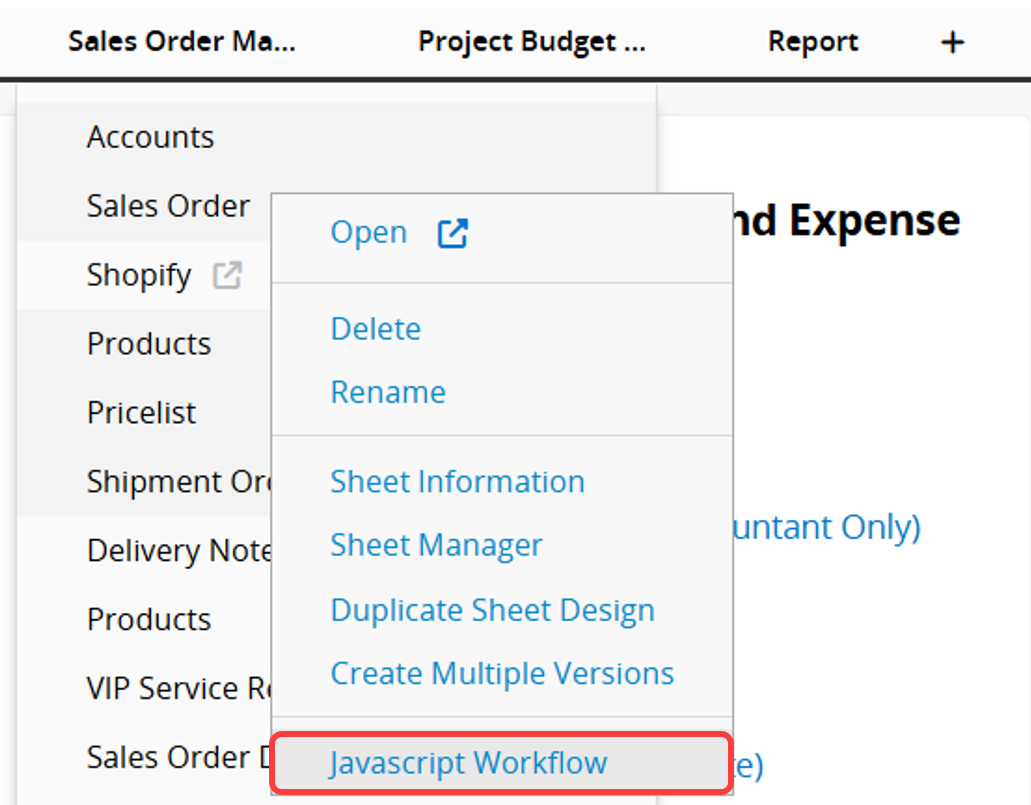
Step 1: Open the Javascript Workflow Editor
Right-click on any sheet name and select Javascript Workflow.
Step 2: Switch to Daily Workflow
Step 3: Enter the Sheet Path and Field ID for Recalculation
For example, if the sheet path you want to recalculate is:
https://www.ragic.com/accountname/tabname/1?PAGEID=wSM(ignore the ?PAGEID=wSM part)
and the field ID you want to recalculate is: 1000001,
then enter:
db.recalculateAll("/tabname/1", 1000001);
To recalculate multiple fields, enter:
db.recalculateAll("/tabname/1", 1000001, 1000002, 1000003);
Then click Save to complete the setup.
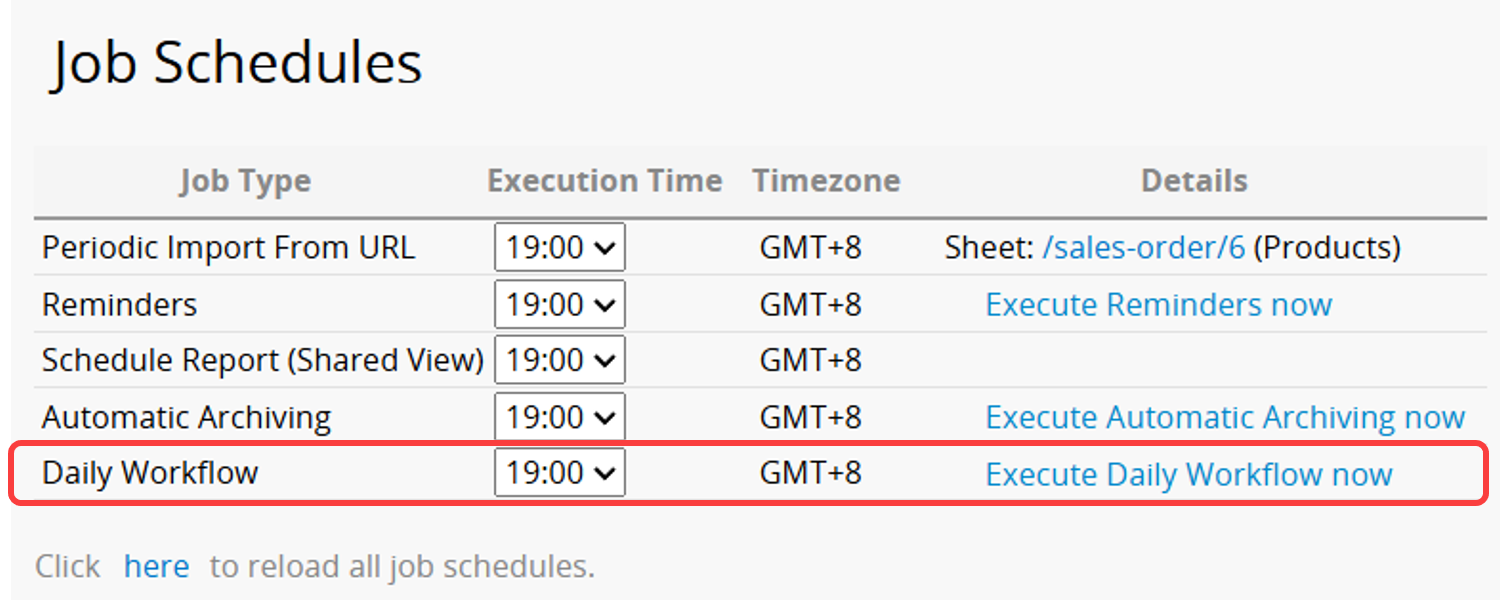
Daily formula recalculation will execute according to the "Daily Workflow" schedule in the Job Schedules. To test if the setup was successful, you can also manually click "Execute Daily Workflow Now".
If you want the execution time to be displayed in DB Maintenance > Sheet Workflow Formula Recalculation Execution Time Log, you need to add db.setLogRecalcCostTime(true);.
db.setLogRecalcCostTime(true);
db.recalculateAll("/tabname/1");
 Thank you for your valuable feedback!
