 Learning center
Learning center
Learning center
If you need to create Quotes in Ragic, we provide two types of templates for you to choose from according to your needs.
The first option is a single-page quote Quick Template. Its simple field settings save you time designing fields and formulas, and you can easily link it with other sheets or make basic adjustments to the fields and layout.
If you prefer to begin with a simple process, or your customers do not require detailed records or follow-up orders, you may start with the single-page quote quick template.
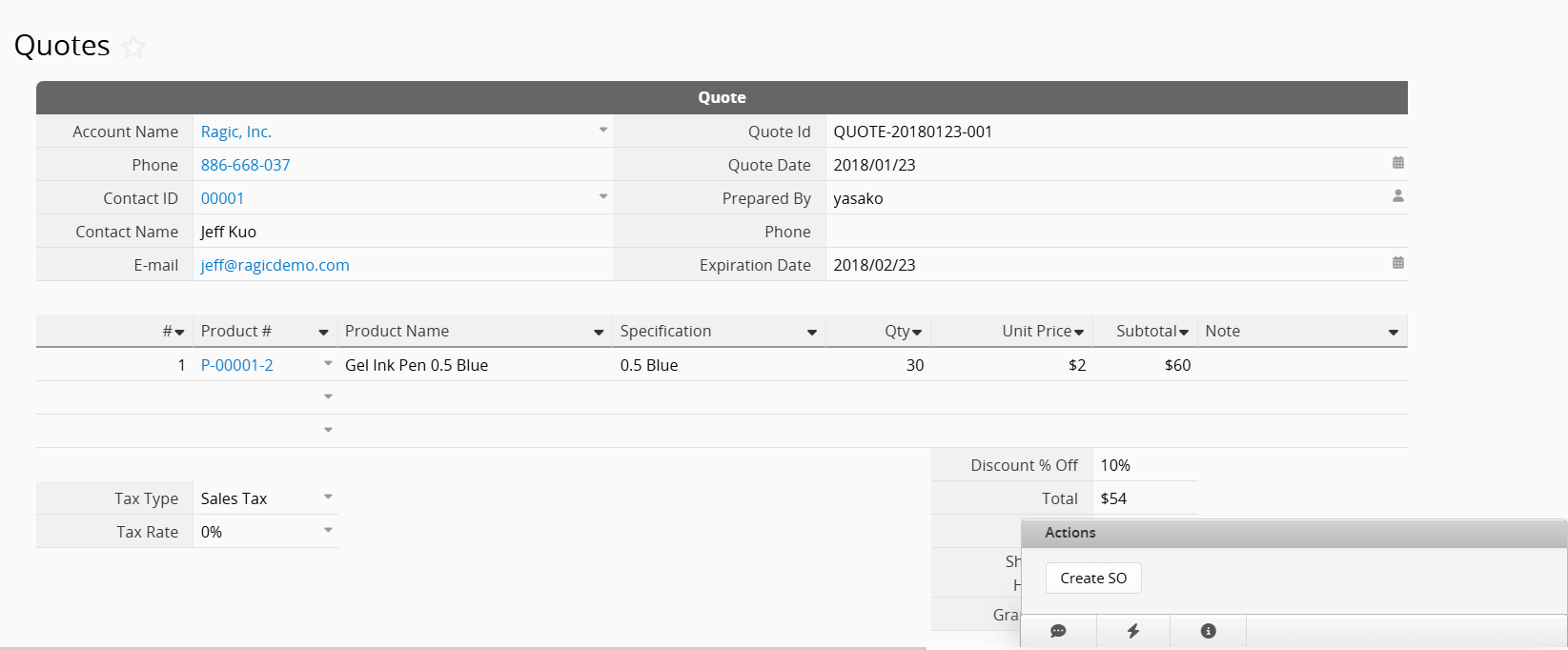
The other option is the "Quotes" sheet included in the "CRM (Customer Relationship Management) " template available in Install Templates. Unlike the Quick Template, this "Quotes" sheet is pre-linked with the "Accounts" and "Contacts" sheets and can directly convert records into a "Sales Order" sheet, making it ideal for B2B operations.
If the "CRM" template structure fits your quote management needs, we recommend installing it and using its quote sheet for a more streamlined process. You can also modify the template as needed to suit your workflow better.
Below are the installation methods and common adjustments for both types of quote templates:
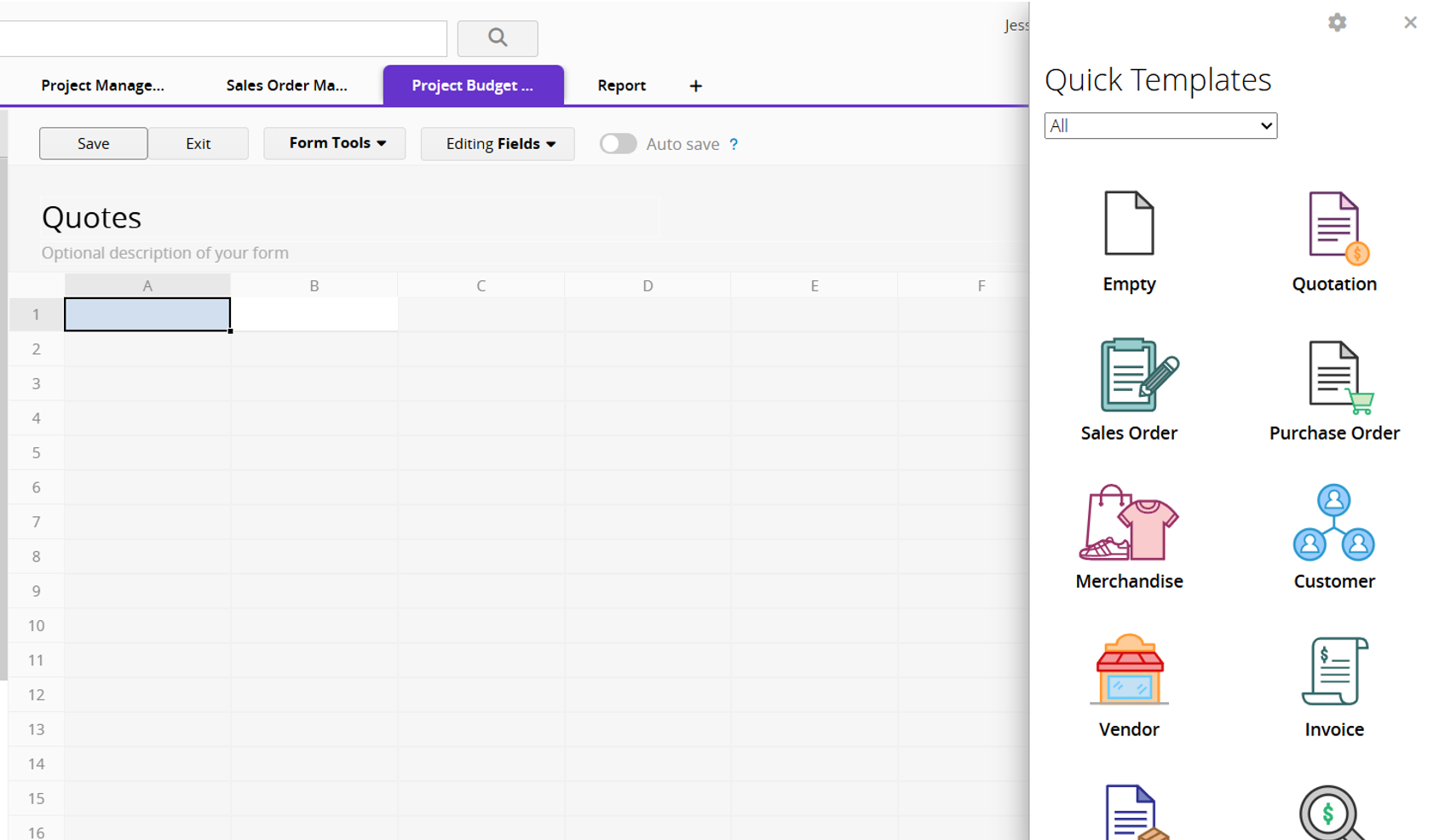
To install the Quick Template, first create a new sheet. On the database homepage, click "Add new sheet" or the "+" button at the top. Follow the instructions to create the sheet, and you will see the Quick Templates on the right side.
Click the "Quotation" option at the top right, and the quote template will be loaded directly into your sheet.
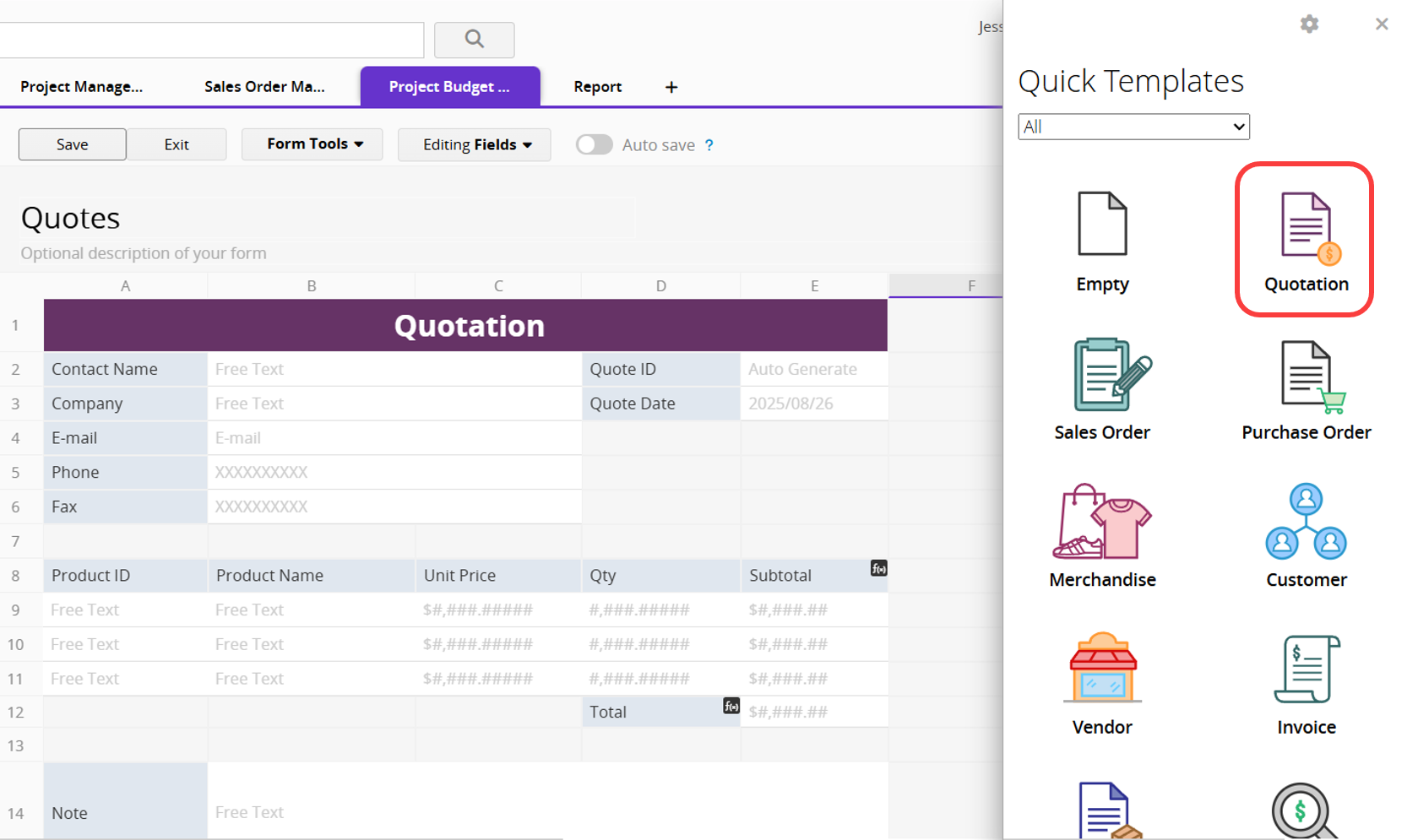
Click "Save" to create your "Quote" sheet. You can then adjust the layout, add your company logo, set a watermark, and for billing-related adjustments, you can add or remove fields and modify Formulas.
Please refer to the "CRM (Customer Relationship Management) " template course. The "Quotes" sheet is included in the template and can be used together with the other sheets.
 Thank you for your valuable feedback!
